
Filter and search
Filter the list
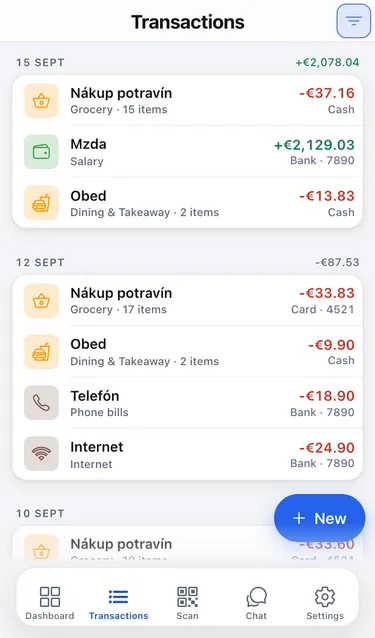
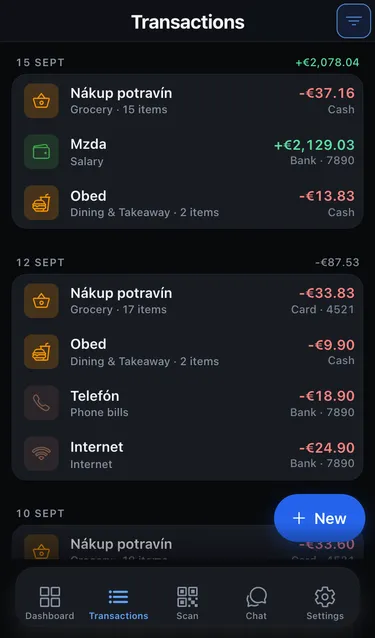
Section titled “Filter the list”- On the Transactions tab, tap Filters in the top-right corner.
- Set any combination of:
- Date range: From and To dates.
- Type: Expense, Income or Any.
- Account · Category · Label.
- Search: part of a merchant name or note.
- Tap Show results. The button tells you how many transactions match.
Active filters appear as chips above the list. Tap a chip to remove that filter, or tap Clear filters to see everything again.
If nothing matches, the list says No transactions match these filters.