
Create an account and sign in
You need an account to keep your own receipts and transactions. Creating one is free and only takes your name, email and a password.
Create an account
Section titled “Create an account”- Open Cashfinity and tap Sign up under the Sign in button.
- Enter your Name, Email and a Password of at least 8 characters.
- Tap Sign up.
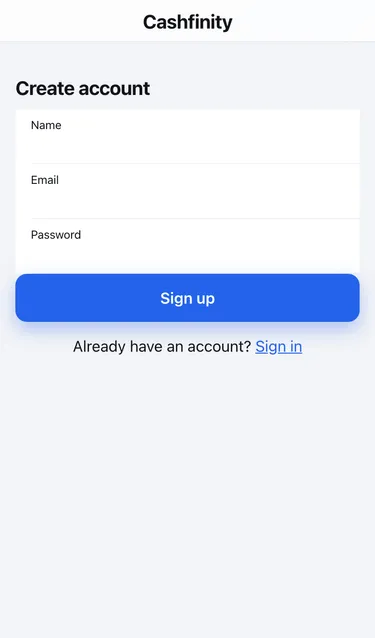
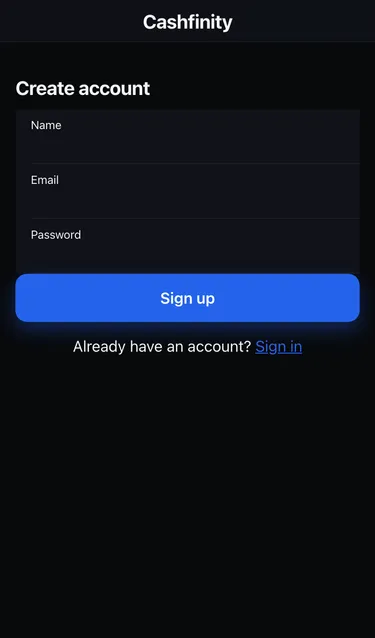
You land on your dashboard. Cashfinity creates a workspace for you with a starter set of expense and income categories, so scanned receipts can be sorted straight away. You can change the categories at any time.
Sign in
Section titled “Sign in”- Open Cashfinity.
- Enter your Email and Password.
- Tap Sign in.
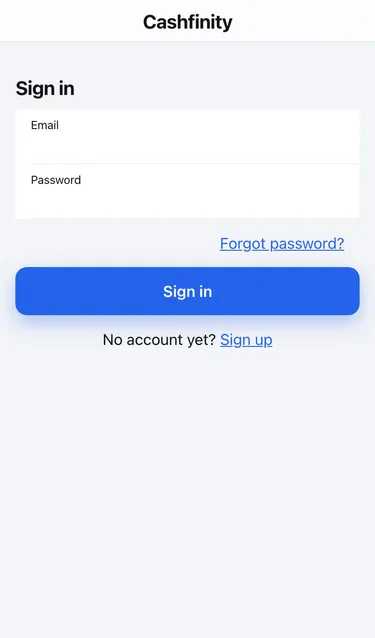
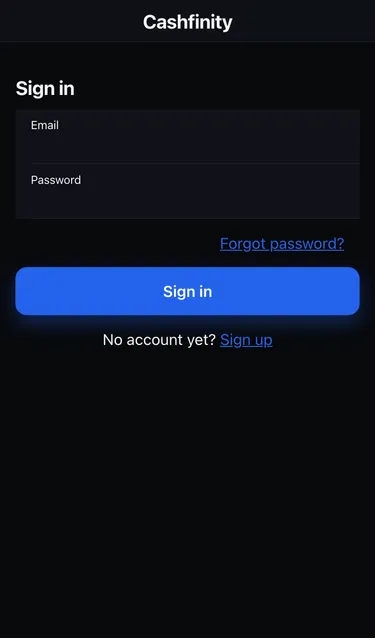
If you see Please sign in to continue, your session has expired. Sign in again and you will return to where you were.
Reset a forgotten password
Section titled “Reset a forgotten password”- On the Sign in screen, tap Forgot password?.
- Enter the email you signed up with and tap Send reset link.
- Open the email from Cashfinity and follow the link. The link works for 1 hour.
- Enter a New password, repeat it in Confirm password, and tap Reset password.
- Sign in with your new password.
If the link says This link is invalid or has expired, tap Request a new link and start again.
Sign out
Section titled “Sign out”Go to Settings and tap Sign out at the bottom of the screen.